About VTC
Feature rich all in one player from a windows or Macintosh desktop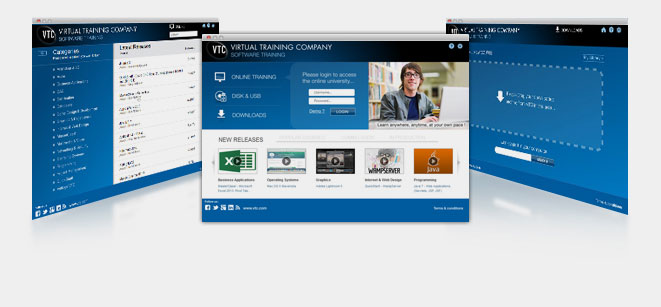
- Backward compatible with all previous VTC solutions
- Online, downloads, CD and USB all on one player
- Automatic updates creates a bug free and functional environment
- Keep up to date with push notifications
- Synchronize your data from within the player or vtc.com
- Resize your tutorials and speed of playback on the fly
- Return to your bookmarked tutorials at any time
- Download work files to your system via player
- Play any course as a single unit with the "Play All" button
- Prepare and manage notes while viewing tutorials
- View Captions for a course
- Free lessons and courses included
Air Player Download
- Minimum requirements PC:
- Windows Xp / VISTA / Windows 7 / Windows 8
- Apple Quick Time Latest version 1GB of RAM
- Minimum Requirements Mac:
- Mac Intel 1GB of RAM

